Translate reports, manuals and technical documents into Persian
In a technical document, a broken table or a list in the wrong order changes the meaning. That's why tables and nested lists are rebuilt in the Persian version. Where that can't be done safely, the original stays and is flagged for review.
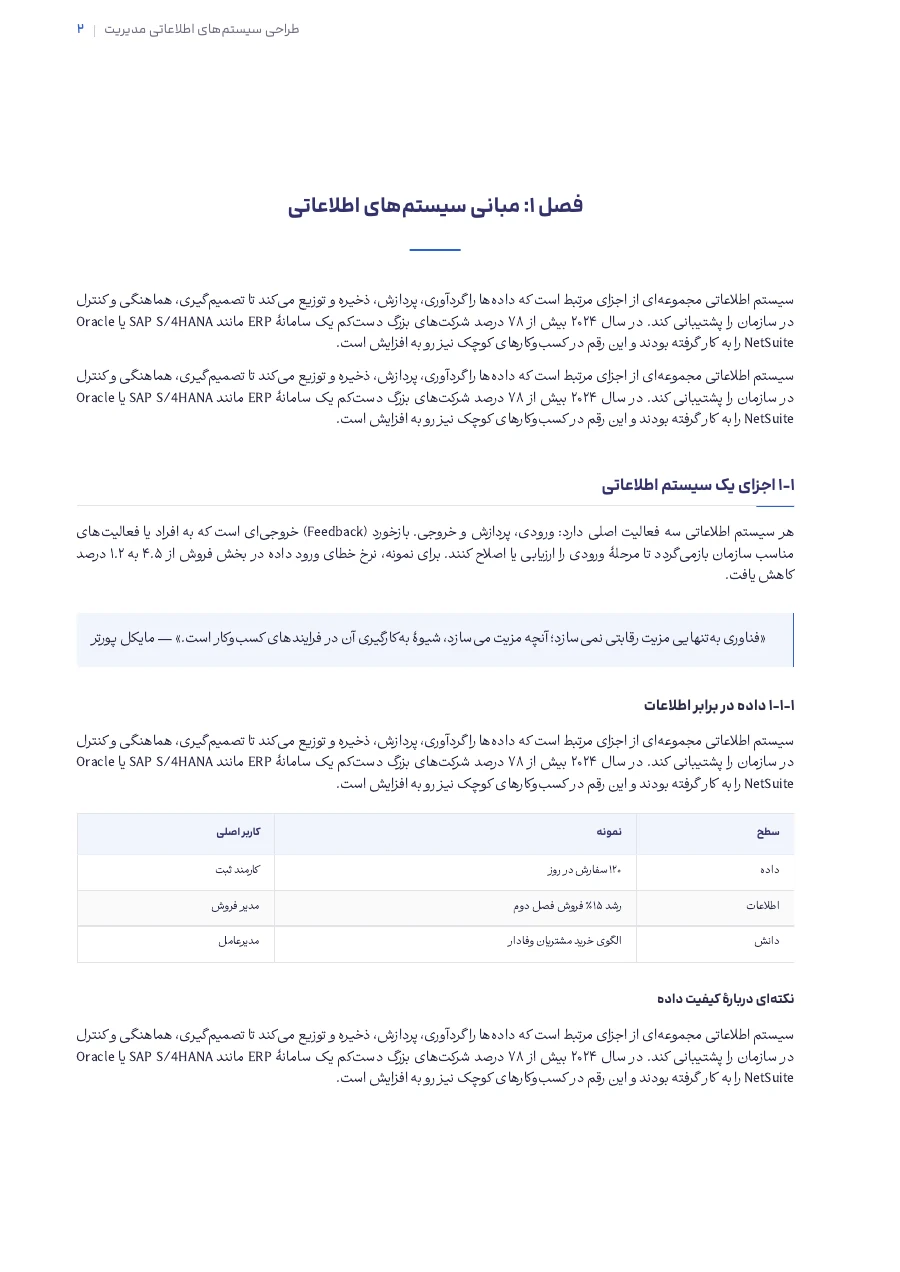
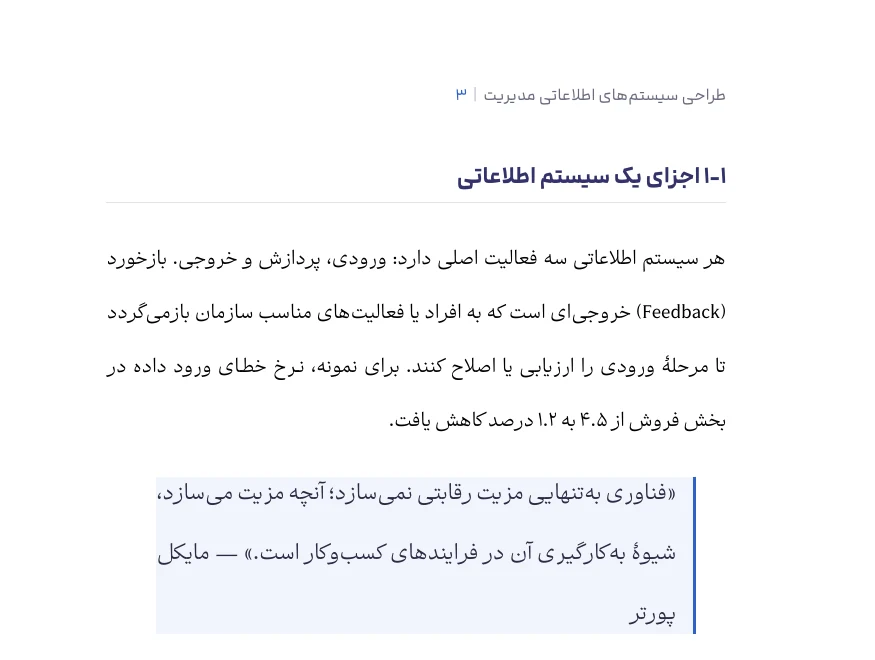
What you get
A right-to-left Persian PDF, an editable Word file, and an automatic summary.
Who it's for
Teams that work with technical documentation, standards, internal reports and user manuals.
Why it helps
Parts that couldn't be rebuilt cleanly are flagged, and you have a Word file to fix anything in the text.
Questions
What happens to complex tables?
Wherever possible, the table is rebuilt in the Persian version. Where it isn't, the original table stays and is flagged so you can check it.
Do technical terms stay consistent across the document?
Yes, terms are kept consistent across chapters. If you'd prefer a different word somewhere, change it in the Word file.
Related services
-
PDF translation
Upload an English PDF, get a right-to-left Persian PDF and an editable Word file. See the cost first and preview a paragraph in three styles, free.
-
Book translation
Upload an English book as a PDF, with no page limit. Get a Persian PDF, an editable Word file and a free summary. You see the cost before you start.
-
Paper translation
Upload a paper as a PDF and get it in Persian as PDF and Word. Names and the reference list keep their original form, and terms are kept consistent.