How a PDF becomes Persian
This page explains what carries over from your document into Persian, what doesn't, and where you should take a look yourself. The translation is done by machine, and what you get is a draft to review.
What carries over
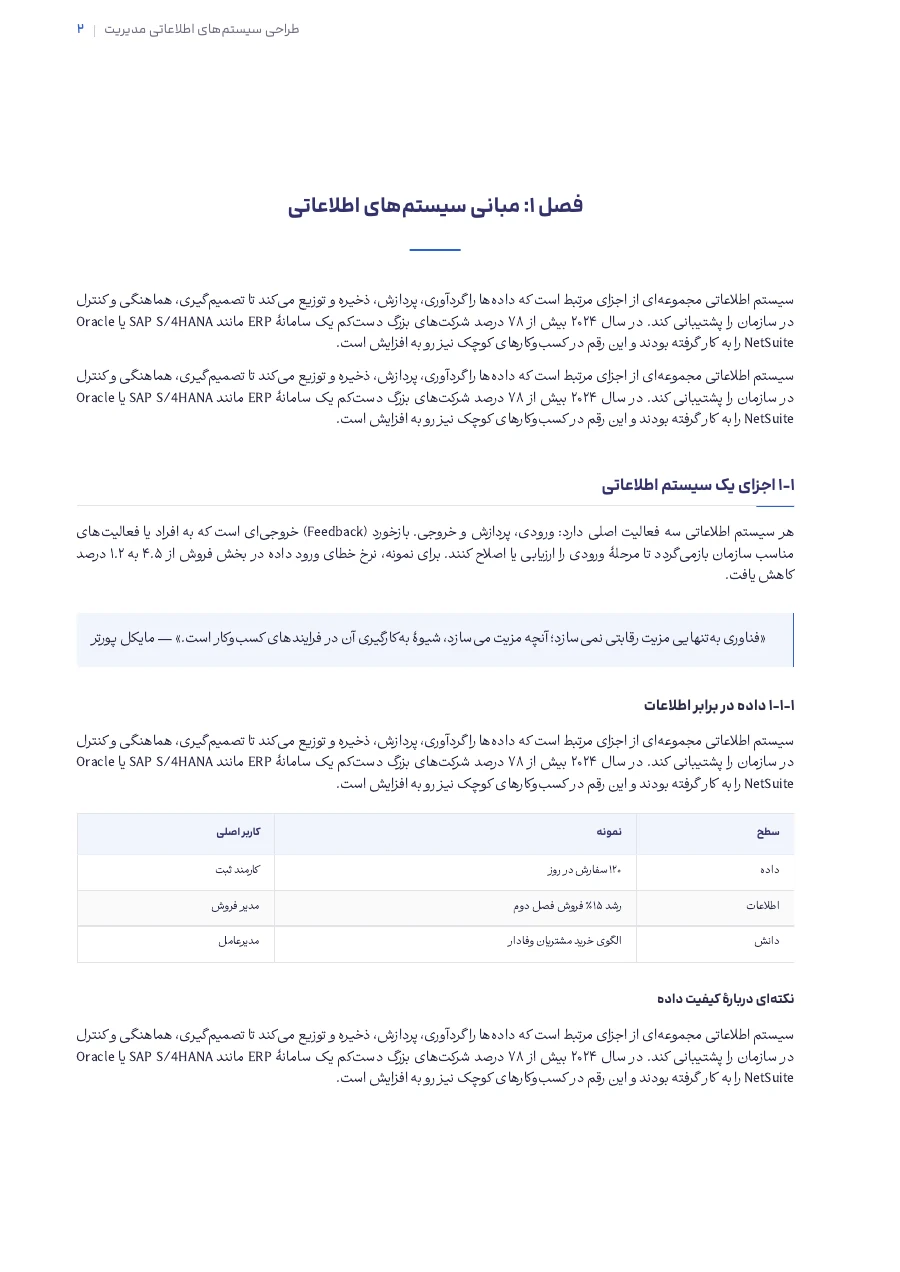
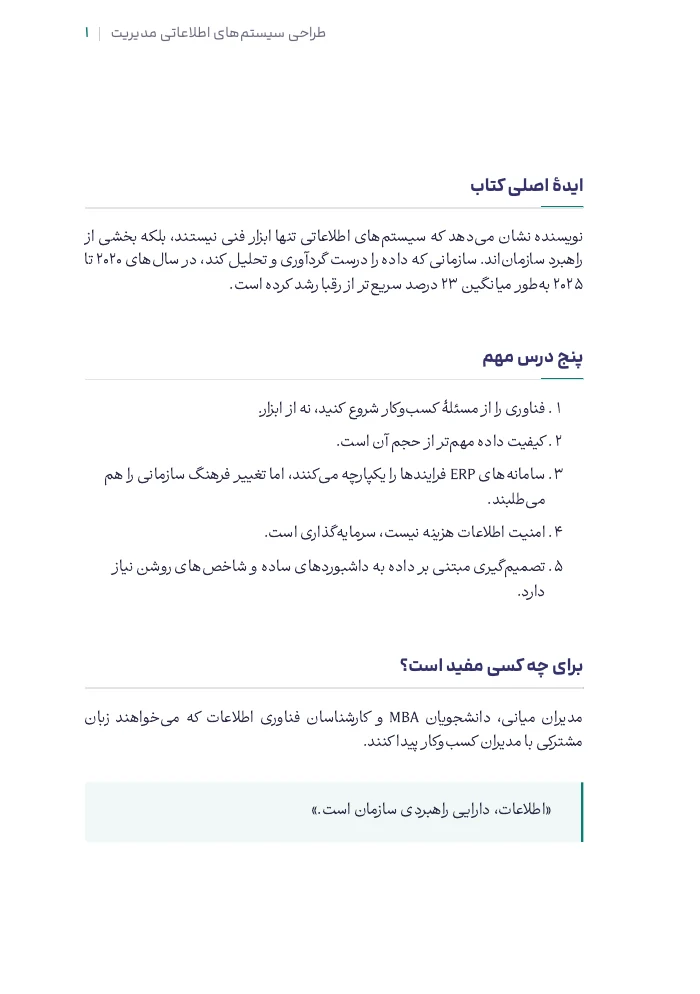
Your file is read before translation so its structure can be recognised. That structure is then rebuilt in the Persian version, wherever it can be done properly.
-
Headings
Headings and subheadings come across with their levels.
-
Tables
Wherever possible, a table is rebuilt as a table, not flattened into a paragraph.
-
Lists
Lists, nested ones included, stay lists.
-
References
In-text references stay where they are. Reference-list entries keep their original form, so they can still be looked up.
-
Figures
Figures and charts appear in their place in the text.
-
Text inside figures
Text inside a chart is put into Persian on the image itself wherever that can be done cleanly. If it can't, you get the original image rather than a half-finished one.
-
Names
Names of people and institutions, photo credits and the reference list keep their original form.
You choose the writing style
Before you pay, you read one paragraph of your own file in each of the three styles and pick one. The preview is free. The styles aren't quality levels, and all three cost the same.
Technical
For scientific, technical and academic writing.
Modern and easy to readDefault
For most books and reports; clear, present-day Persian.
Classical and literary
For texts that call for a literary voice.
Terms are kept consistent
If a term is translated one way in chapter one, it's usually translated the same way in chapter ten. In long books and technical texts, that's what keeps the translation readable. If you'd prefer another word somewhere, change it in the Word file.
Where you should take a look
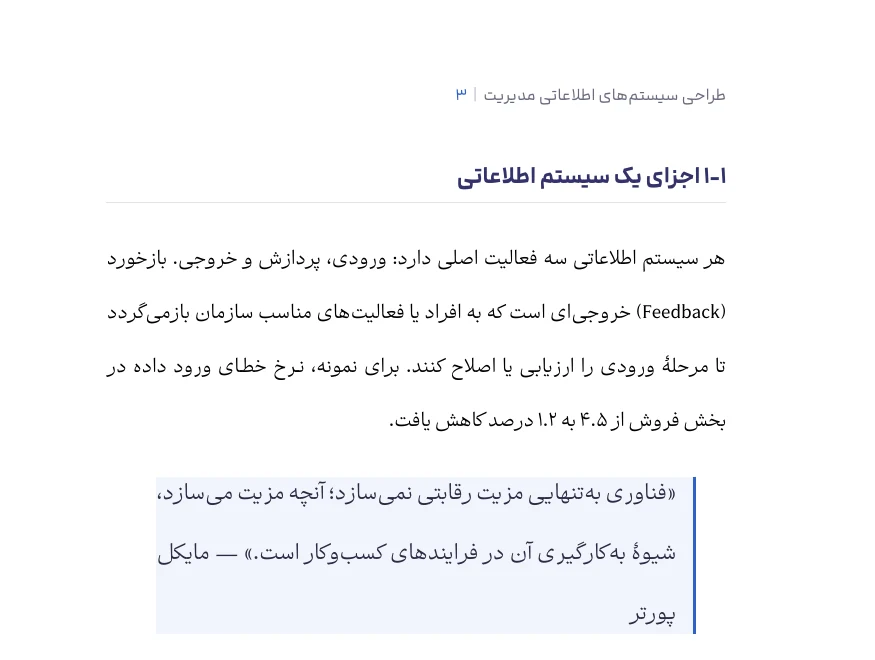
- Wherever rebuilding a part isn't safe (a complex table, say), the original stays and is flagged for review.
- If more than half of a book stays in English, nothing is charged and you're told so on the same page. You still get the files.
- If some sections fail, you can resend just those and pay only for them.
- Either way, read the text. Machine translation can get things wrong, and the Word file is there so you can fix them.
Limits
- English into Persian only. Document translation doesn't go any other way.
- PDF only. Up to 100 MB, one file at a time, no password. No page limit.
- Scanned files may work, but they're slower and may come out weaker. A file with no readable text is turned away before anything is charged. You'll get the best result from a PDF whose text you can select.
- Text inside figures isn't always translated. When it isn't, the original image stays.
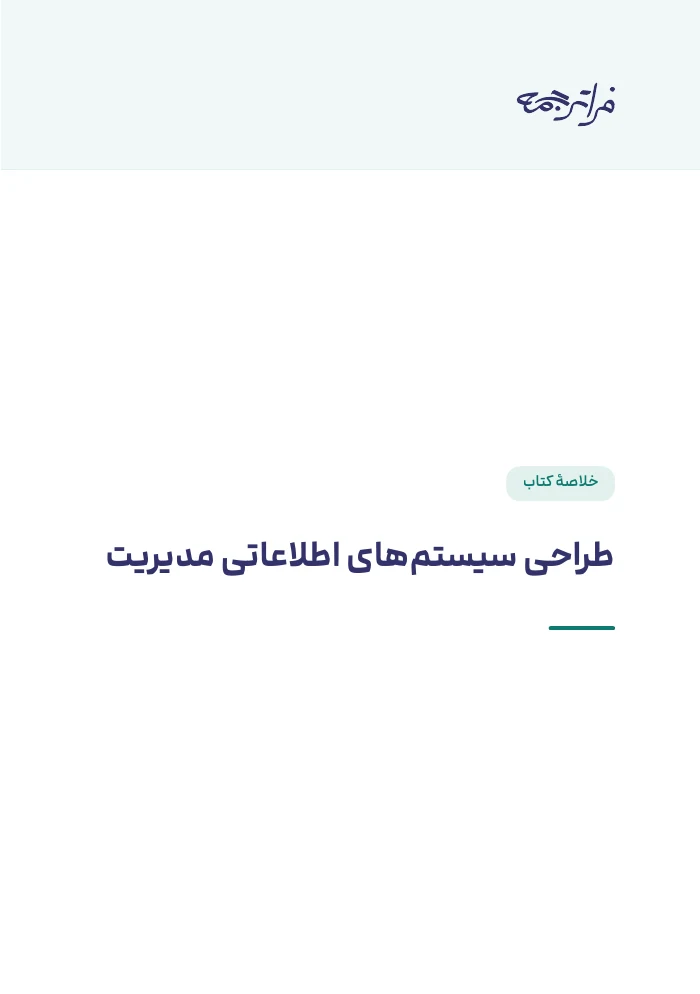
- Page design isn't copied exactly. The page size matches the original, and you choose the cover design, running header and alignment.
- The result is a draft, not a final text.
What the book summary is
Every translation comes with an automatic summary of the book. It costs nothing extra, and its PDF is free. If the text is very short, no summary is made.
Delivery speed
EconomyDefault, and what we suggest
Usually about a day. Not guaranteed.
Fast
Starts right away and usually takes a few hours, longer for big files. Costs about twice as much as economy.
Try it on your own file
Upload a file, see the cost and read a paragraph in three styles. Nothing is charged until you press start.